TWO COPIES
Cloud and a drive
For things you cannot replace, such as family photos and videos, the NCSC suggests one copy in the cloud and another on removable media.
Check your risk doodlebackup
00WHAT THE GUIDANCE SAYS

Keep your important files in a second, separate place.
Devices get lost, stolen or broken, and ransomware can lock or erase what is on them. The UK's National Cyber Security Centre comes back to one habit: a copy kept apart, checked now and then.
Check your risk01Principles
02THE SHORT ANSWER
A backup only helps if it survives what happens to the original.
Guidance focuses on a few simple habits.
TWO COPIES
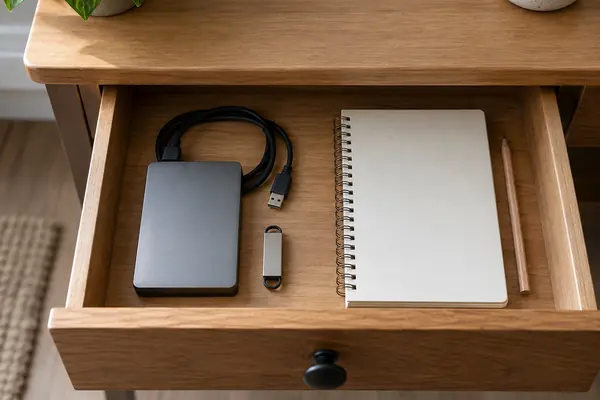
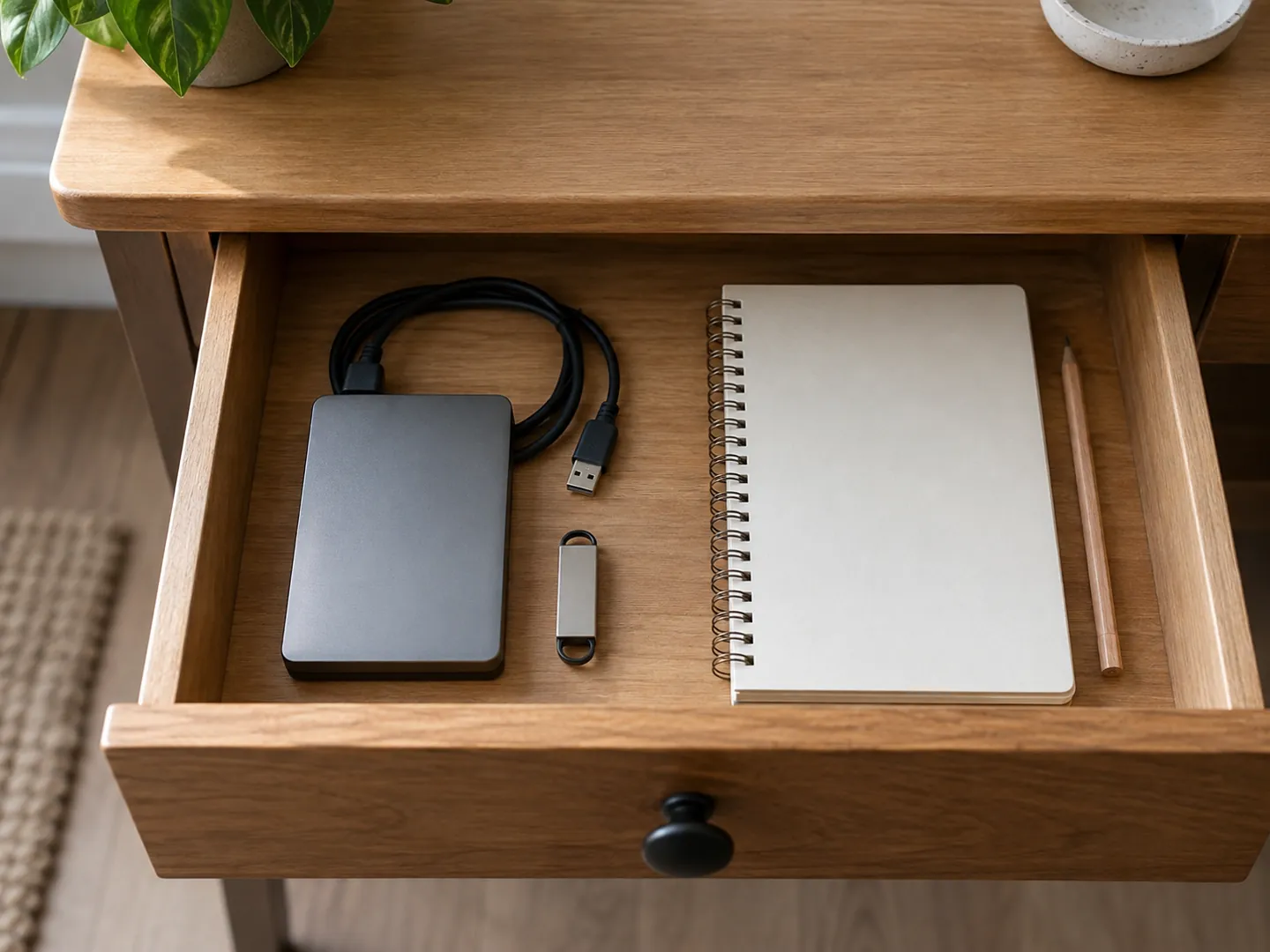
For things you cannot replace, such as family photos and videos, the NCSC suggests one copy in the cloud and another on removable media.
Check your riskRANSOMWARE
Malware, including ransomware, can spread to attached drives. The NCSC says to disconnect removable media when it is not in use.
See the numbersSTORAGE
Northern Ireland's cyber security centre says backups should not be permanently connected to the device holding the original.
How to do it03A QUICK RISK CHECK
Pick something that could happen to your files to see what kind of copy would get them back. The bar shows how far from the original device that copy needs to be.
Based on NCSC advice on backing up your most important data. This is general information, not a security audit.
04TWO NUMBERS WORTH KNOWING
Figures from the UK government's Cyber Security Breaches Survey 2025,
based on 2,180 UK businesses surveyed from August to December 2024.
43%
UK businesses reporting a breach or attack in the last 12 months
Just over four in ten businesses reported a cyber security breach or attack, down from 50% in 2024. Phishing was the most common type, seen by 85% of those affected.
BREACHES · CSBS 2025
71%
Businesses backing up securely via a cloud service
Backing up by other means was less common at 47%, down from 55% in 2024. Among large businesses, 96% had data backups of some kind.
BACKUPS · CSBS 2025
The same survey found ransomware rose among businesses from under 0.5% in 2024 to 1% in 2025, about 19,000 businesses. US agencies' joint #StopRansomware Guide warns that many ransomware variants try to find and delete or encrypt accessible backups.
05FOUR HABITS TO TRY
None of these needs special skills. Most phones and computers already include the backup and recovery features the guidance describes.
Photos, documents, emails, contacts and calendars are the usual list. Start with anything you could not replace.
Cloud backups can run daily, weekly or when new files are added, so you do not have to remember.
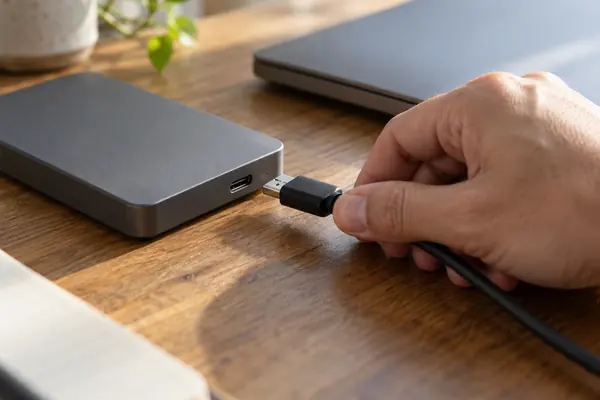
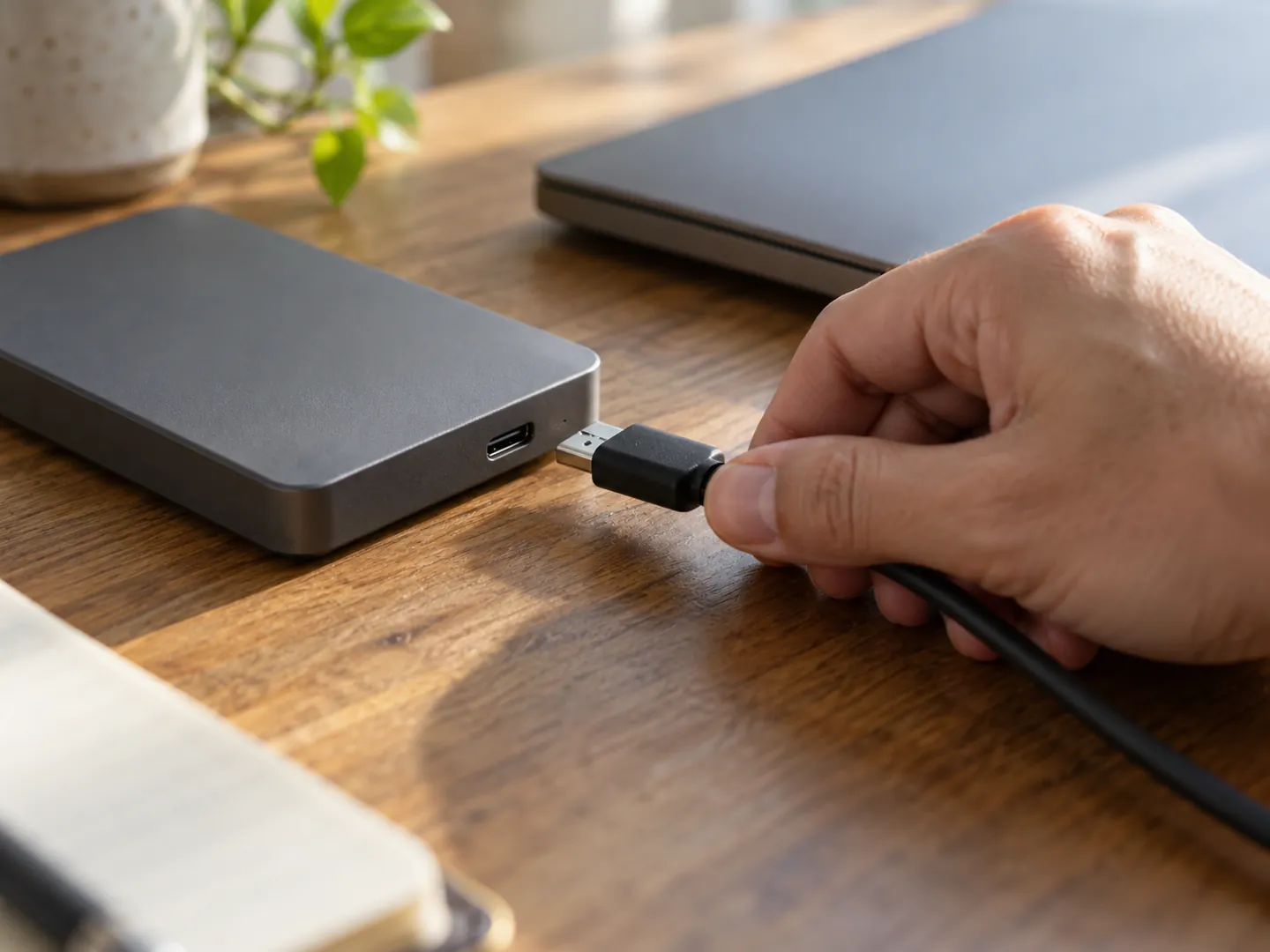
If you use an external drive or USB stick, disconnect it when the copy is done, and set a calendar reminder for the next one.
Check that it really holds your important files, such as recent photos or documents you made this week.
06WHY TEST IT
Backups fail quietly: a folder left out, an account that stopped syncing, a drive that has not been plugged in for months. The NCSC advises checking that your backups contain all your important data once you have made them.
The US #StopRansomware Guide, from CISA and partner agencies, recommends offline, encrypted backups of critical data and regularly testing that they are available and intact. It is written for organisations, but the habit works at home too.
07Questions
The NCSC describes a backup as a copy of your important data that is stored in a separate safe location. A file that only exists on one phone or laptop is not backed up.
It is convenient and can run automatically, but anyone who gets into the account can reach the backups. For irreplaceable files such as family photos, the NCSC suggests keeping a copy on removable media as well.
Viruses and other malware, including ransomware, can move to attached media automatically. If the backup is infected too, there is nothing left to recover from, so the NCSC says to disconnect it when it is not in use.
The NCSC says it may not suit you if your internet connection is slow or unreliable, if you pay for data by the amount you use, or if your backups are very large.
The NCSC does not set a fixed schedule. It suggests automatic cloud backups, which can run daily or weekly, and a calendar reminder at regular intervals if you copy to removable media.
08Sources
ABOUT THIS NAME
doodlebackup.com is part of the DoodleSale portfolio. It isn't in an auction right now, but you can ask about leasing it.